
KeyShot PBR Textures & Ready-Made Materials : 5 Essential Sources

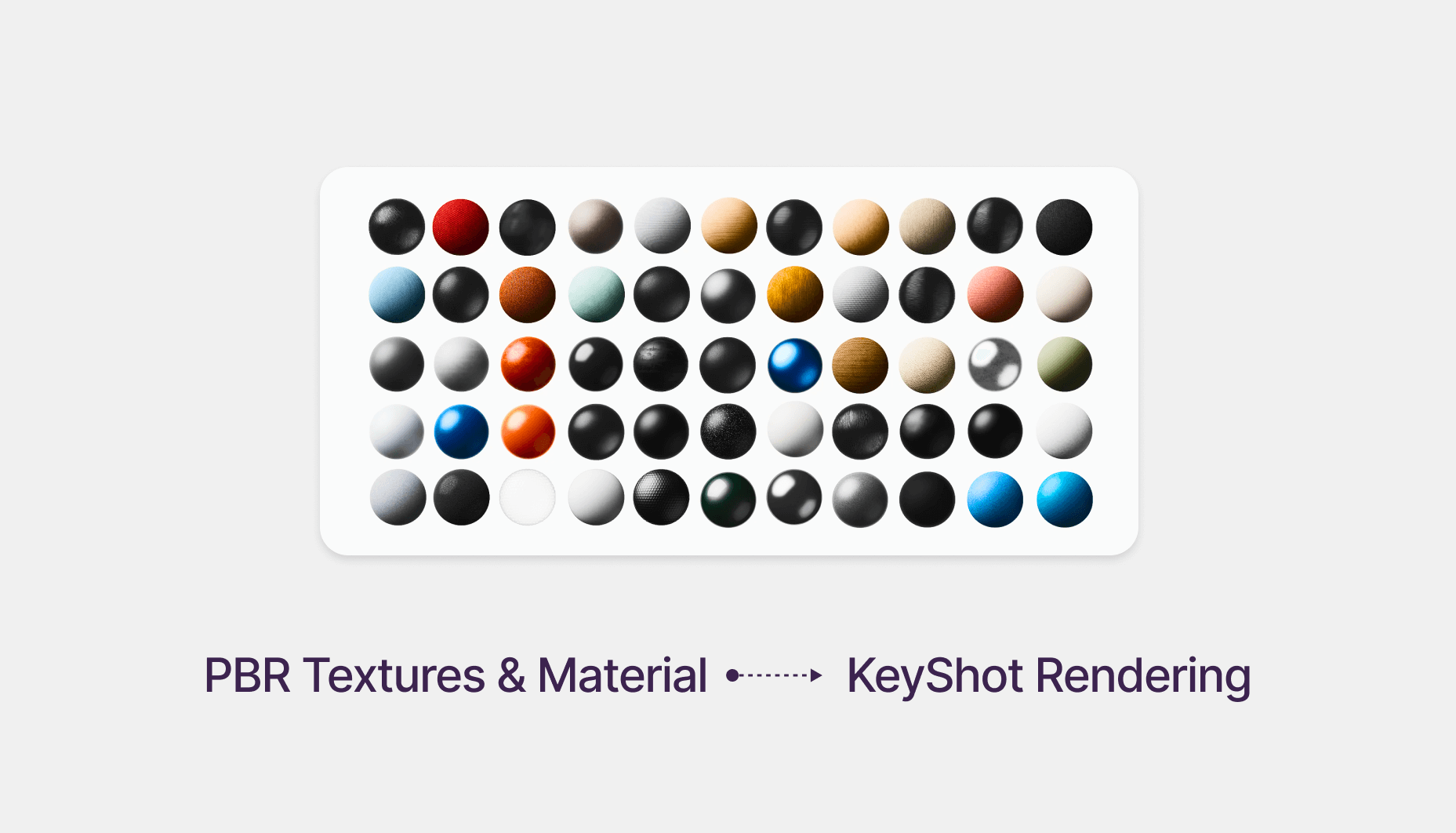
5 Places to Download PBR Textures & Premade Materials for KeyShot
Creating realistic renders in KeyShot depends heavily on good materials. While KeyShot ships with an impressive library, sometimes you need higher-quality or more specific textures, especially for industrial design projects.
Here are five excellent sources for PBR textures and premade materials, plus a quick explanation of essential texture maps and how they work inside KeyShot.
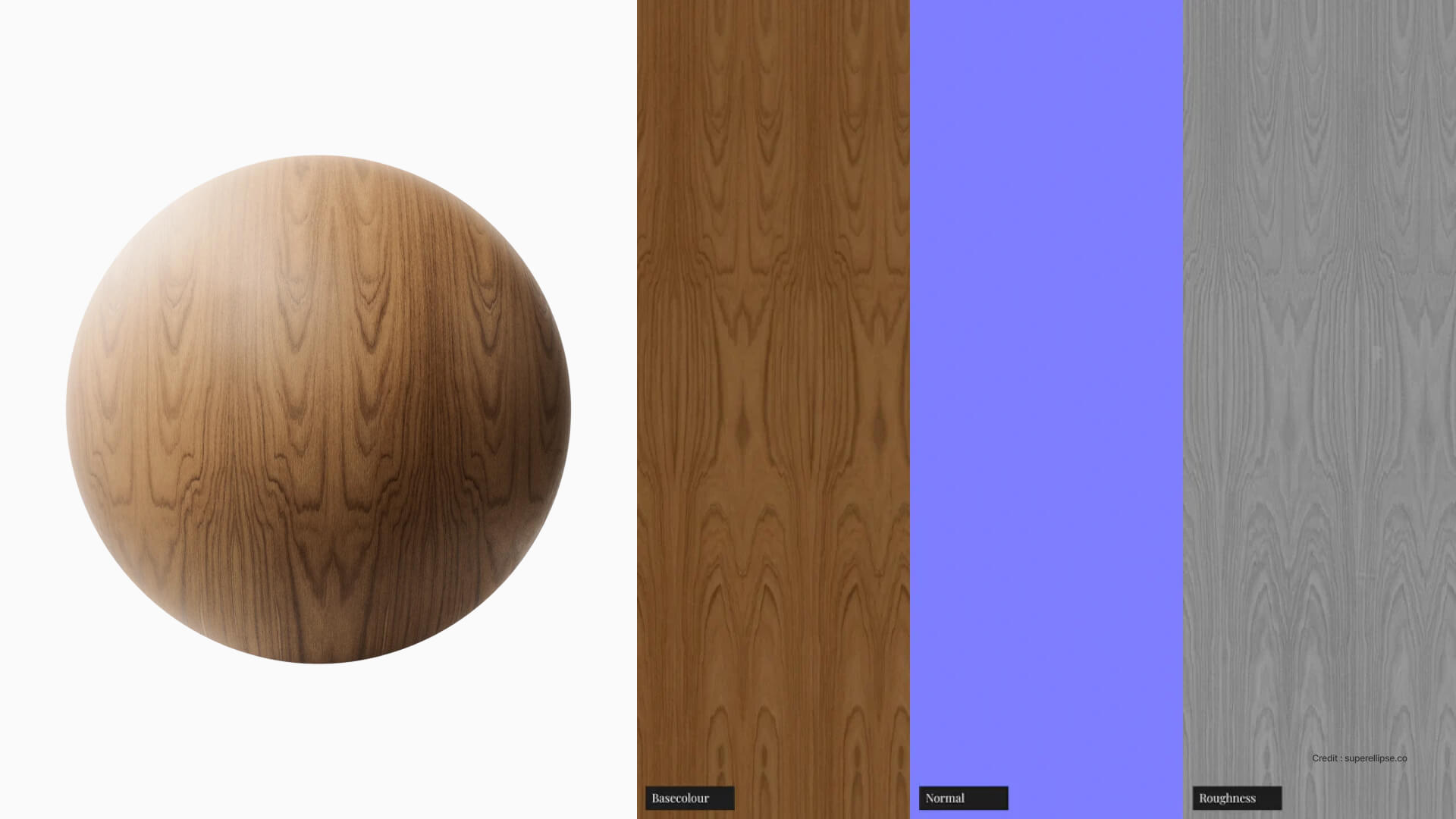
Understanding PBR Maps
Before jumping into the resources, here’s a simple breakdown of the most important maps you’ll use.
Diffuse / Albedo Map
Base color of the material with no shadows or highlights; in KeyShot, connect it to the Color input.
Roughness Map
Controls surface glossiness. White is rough/matte, black is smooth/glossy.
Roughness Map (KeyShot)
KeyShot uses Roughness (the inverse of Glossiness), so use color invert node depending upon the texture map before applying.
Bump / Normal Map
Adds surface detail without extra geometry; Normal maps (Bluish) give cleaner, more realistic results than Bump maps (grayscale).
Top 5 Places to Get PBR Textures & KeyShot Materials
1. Visune Materials
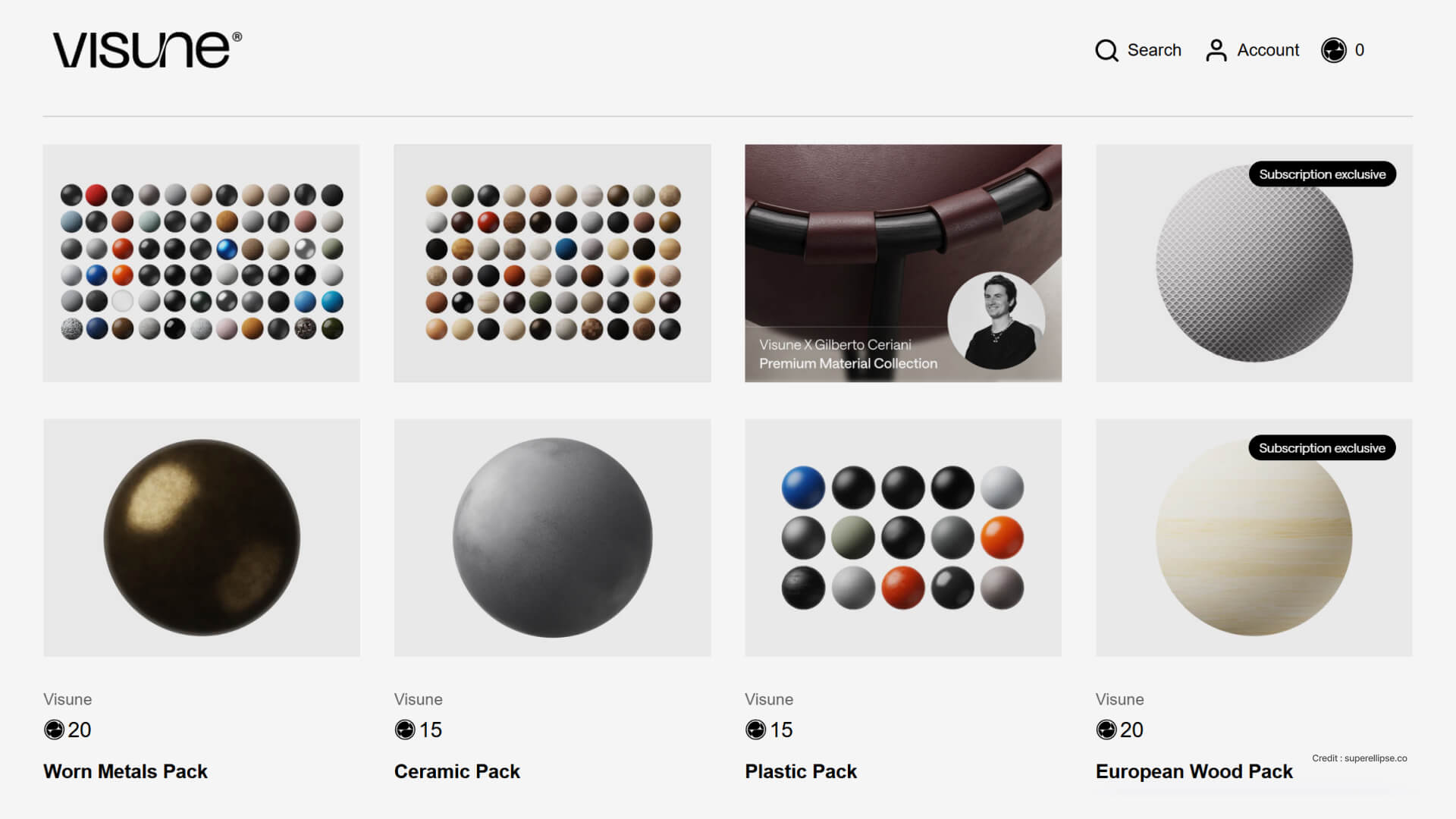
Visune offers ready-to-use materials and pre-built scenes, making it arguably the best option for KeyShot users who want fast, consistent, and high-quality results. Their materials are clean, modern, and specifically tailored for industrial design rendering.
Best for:
- Consumer electronics
- Soft-goods and automotive materials
- Product concept development
- Quick professional-quality render setups
Why it’s great:
- Easy drop-in workflow with KeyShot that save hours of setup
- Well-documented, structured resources ideal for both beginners and advanced users
- Designed with KeyShot workflows in mind (accurate lighting, real-world scale, clean shader graphs)
- They also offer custom material creation for companies that need highly precise, brand-specific materials
Perfect for designers who want premium realism without spending time building materials from scratch.
2. Poliigon
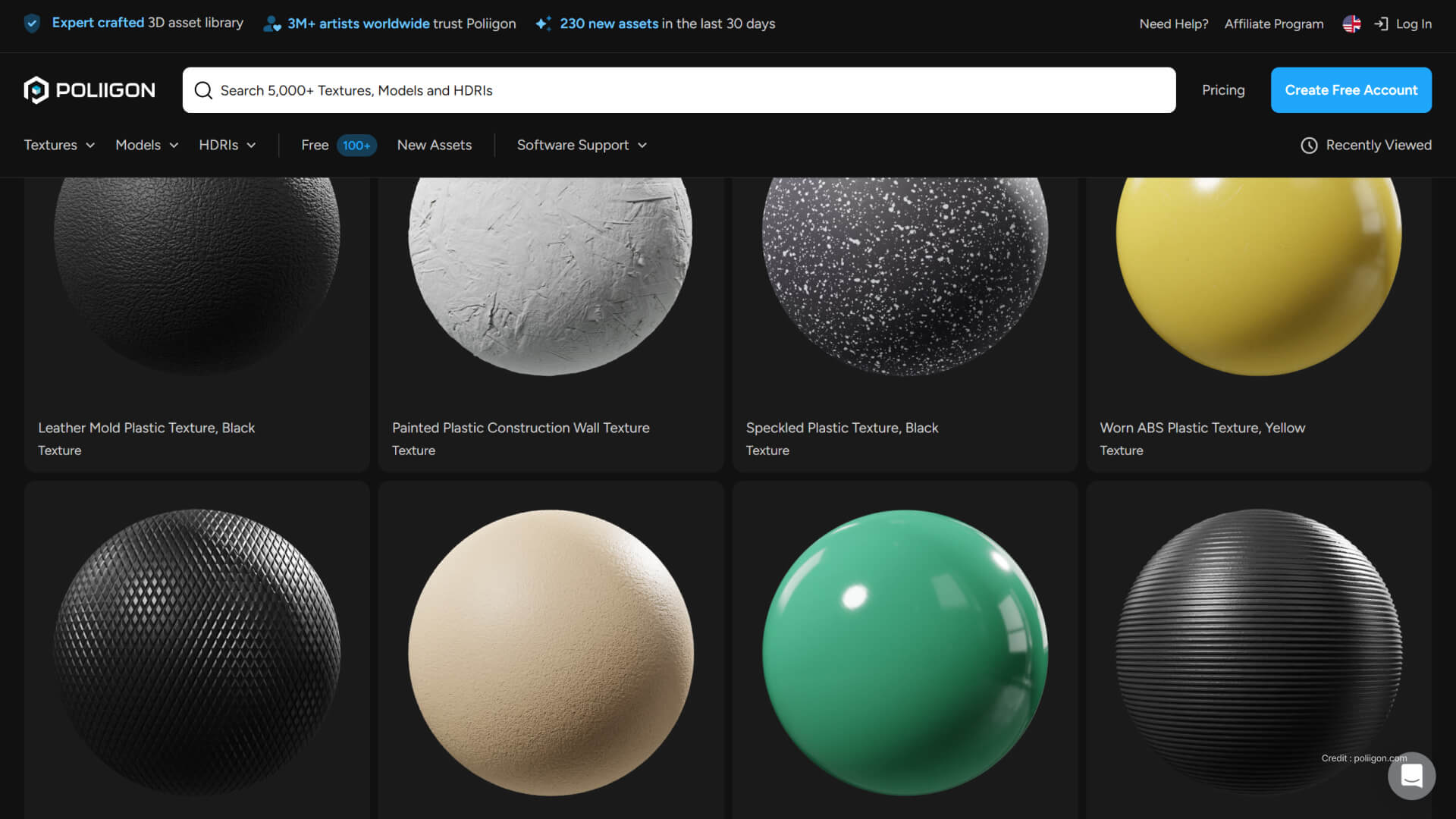
Poliigon is one of the most premium libraries for industrial design materials.
Created by artists working in product visualization, it offers extremely high-resolution textures (4K–8K), optimized for both KeyShot and Blender.
Best for:
- Plastics
- Fabric weaves
- Rubber finishes
- Woods & coatings for consumer electronics
Why it's great:
- Industry-grade consistency
- PBR packs with all required maps (color, roughness, normal, displacement)
- Excellent for photorealistic product renders
3. Poly Haven
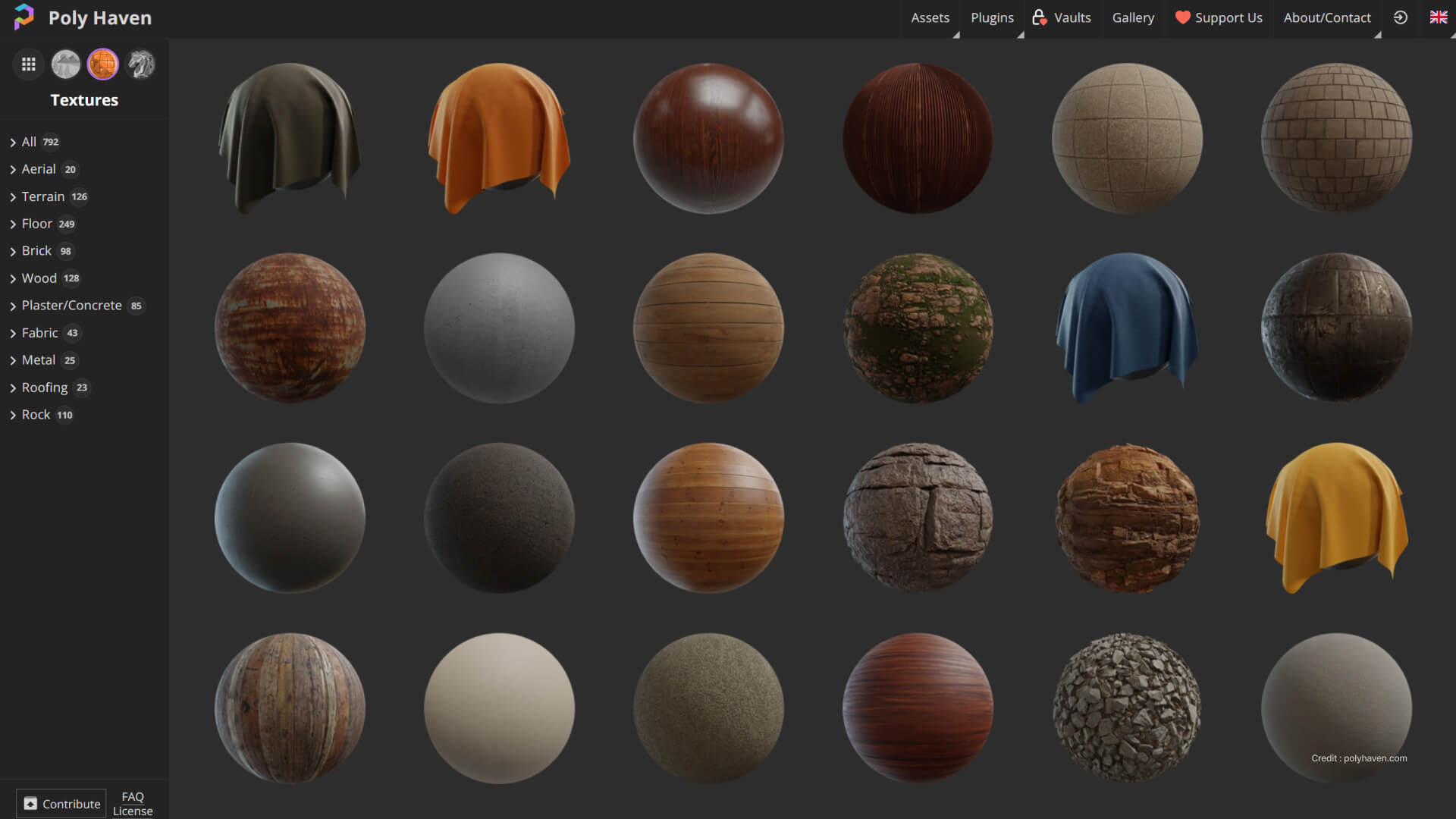
Fully free and open-source.
All materials come with full PBR sets and are available in very high resolution.
Best for:
- Metals
- Concrete
- Organic textures
- Surfaces for environment shots
Why it’s great:
- 100% free (CC0 license)
- Extremely accurate scans
- Wide variety of real-world patterns
4. Superellipse
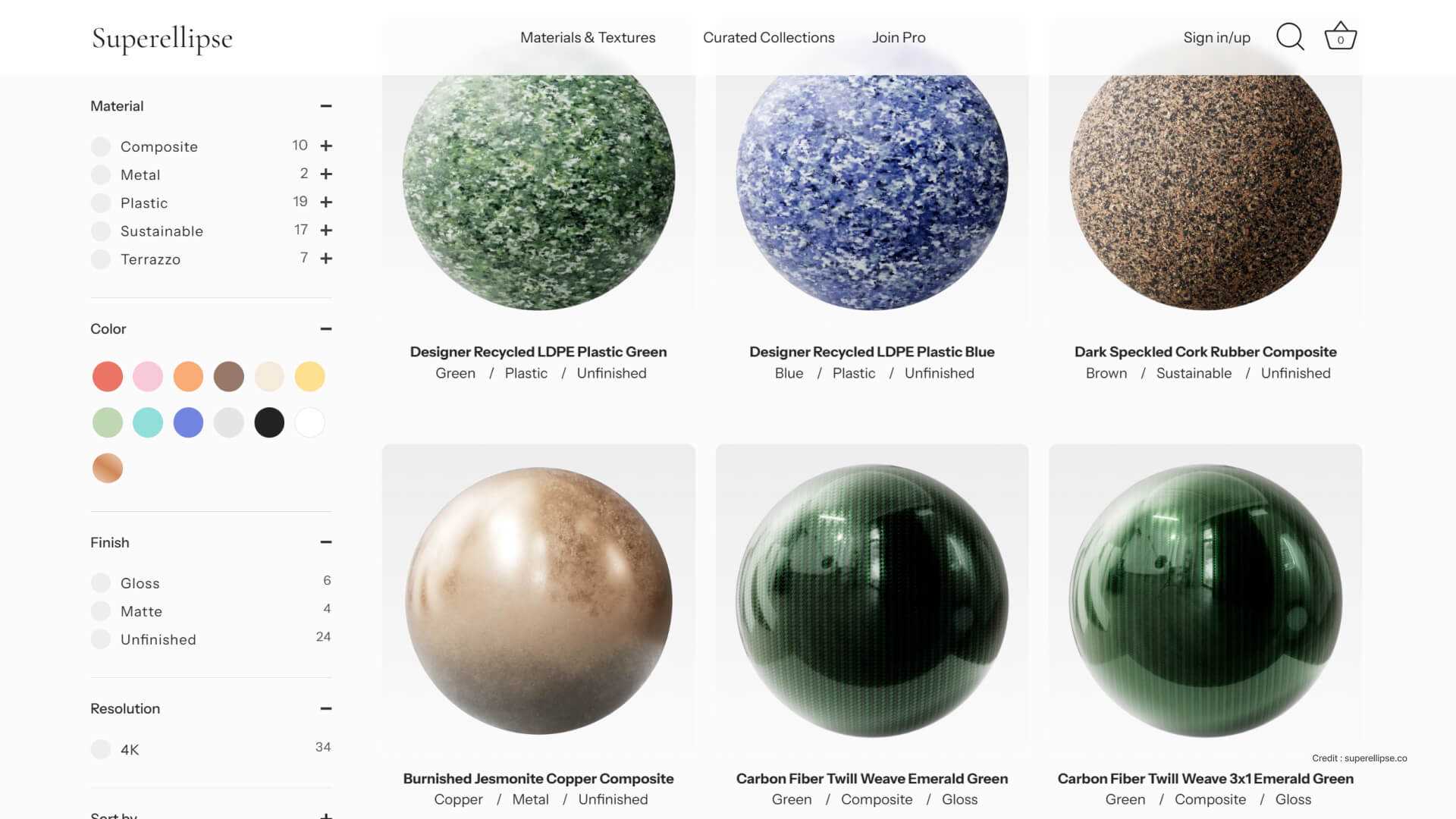
Superellipse offers a beautifully curated library of design-led PBR materials crafted specifically for high-end 3D visualization. With over 1,000 textures, their library focuses on contemporary, minimal, and tactile surfaces—perfect for industrial design, CMF development, soft-goods, packaging, and concept product rendering.
Best for:
- Minimal, design-focused material palettes
- CMF exploration
- Product visualization for consumer electronics, soft-goods, and interior objects
- Artists who want elevated, aesthetic textures out of the box
Why it’s great:
- Large, curated library with a strong emphasis on design quality rather than generic scans
- Premium, contemporary CMF materials ideal for KeyShot and product visualization
- Clean, modern patterns that elevate storytelling and realism
- Offers curated collections to streamline your workflow and help maintain visual consistency
- First 4K texture available for free upon signup
Superellipse is an excellent option for designers who want PBR textures that look crafted, not technical—making it ideal for portfolio renders, client presentations, and brand-level CMF concept work.
5. Textures.com
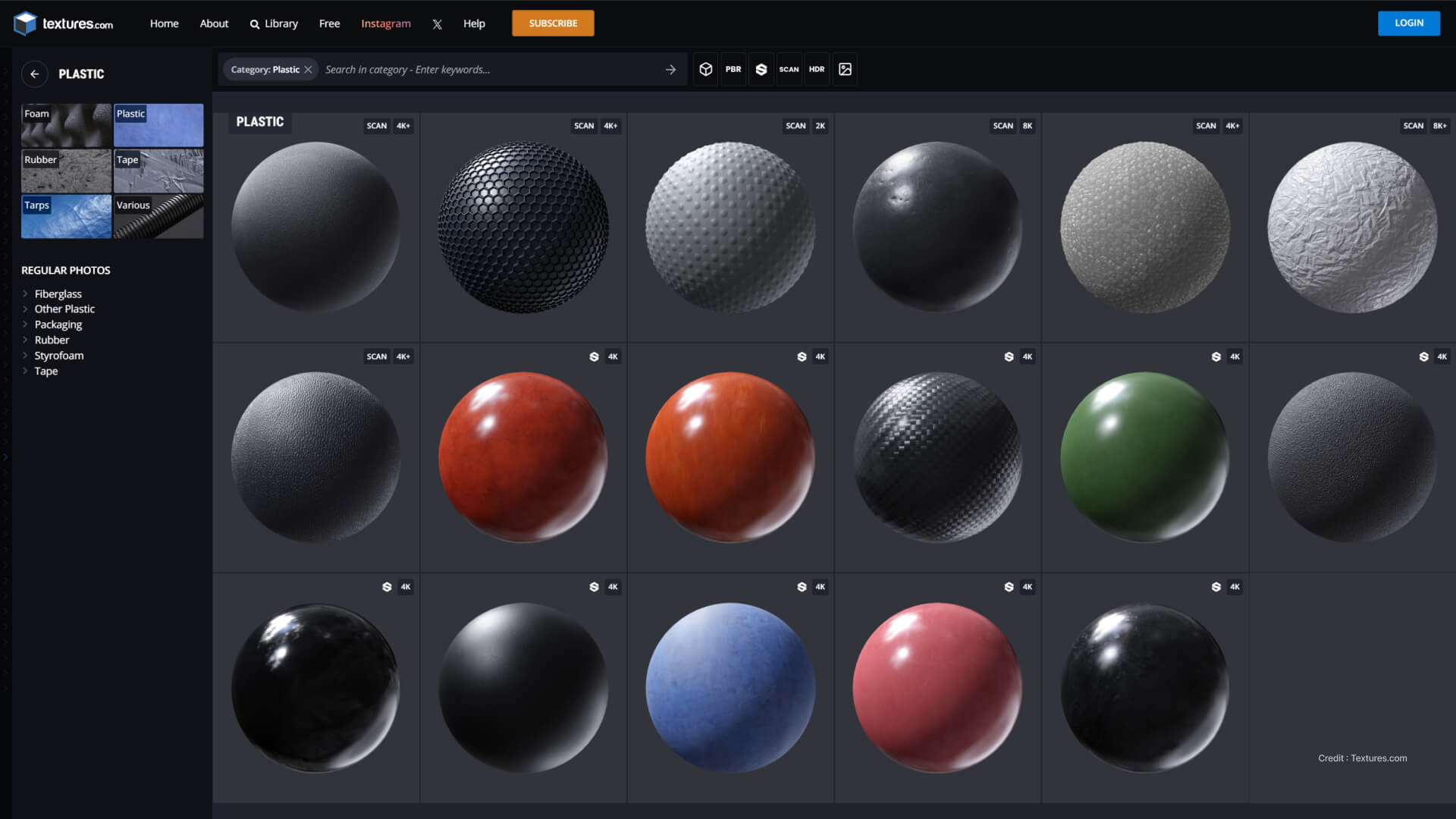
Textures.com is one of the largest and oldest texture libraries in the world, offering a massive collection of PBR materials, 3D scans, HDRIs, foliage, decals, and surface details. Originally known as CGTextures, it has been used by game studios, VFX artists, industrial designers, and visualization professionals for nearly two decades.
Best for:
- Large variety of real-world textures
- Unique scanned surface details
- Environment surfaces (stone, metal, wood, concrete)
- Adding imperfections to product renders: smudges, scratches, dust, fingerprints
Why it’s great:
- Over 140,000+ images, 2,500+ PBR materials, and 1,100+ 3D objects
- Reliable, industry-standard source used by top studios globally
- Weekly new content, ensuring fresh high-quality material options
- Excellent for creating realistic KeyShot renders by layering imperfections, overlays, and full PBR material sets
Textures.com stands out for its scale and variety, making it a must-have resource when you need textures beyond the typical product design library.
Conclusion
Whether you're creating soft-touch plastics for consumer electronics, brushed metal for appliances, or matte automotive surfaces, these five resources offer everything you need for high-quality KeyShot rendering.
If you're an industrial designer working in Rhino or Grasshopper, learning how to use PBR assets properly will instantly level up your visual output and make your 3D models look production-ready.
If you want to go deeper into lighting, materials, rendering strategy, and building a professional visualization workflow, consider joining our KeyShot Masterclass, where we teach designers how to create compelling, photoreal product renders step-by-step.


